System User Interface
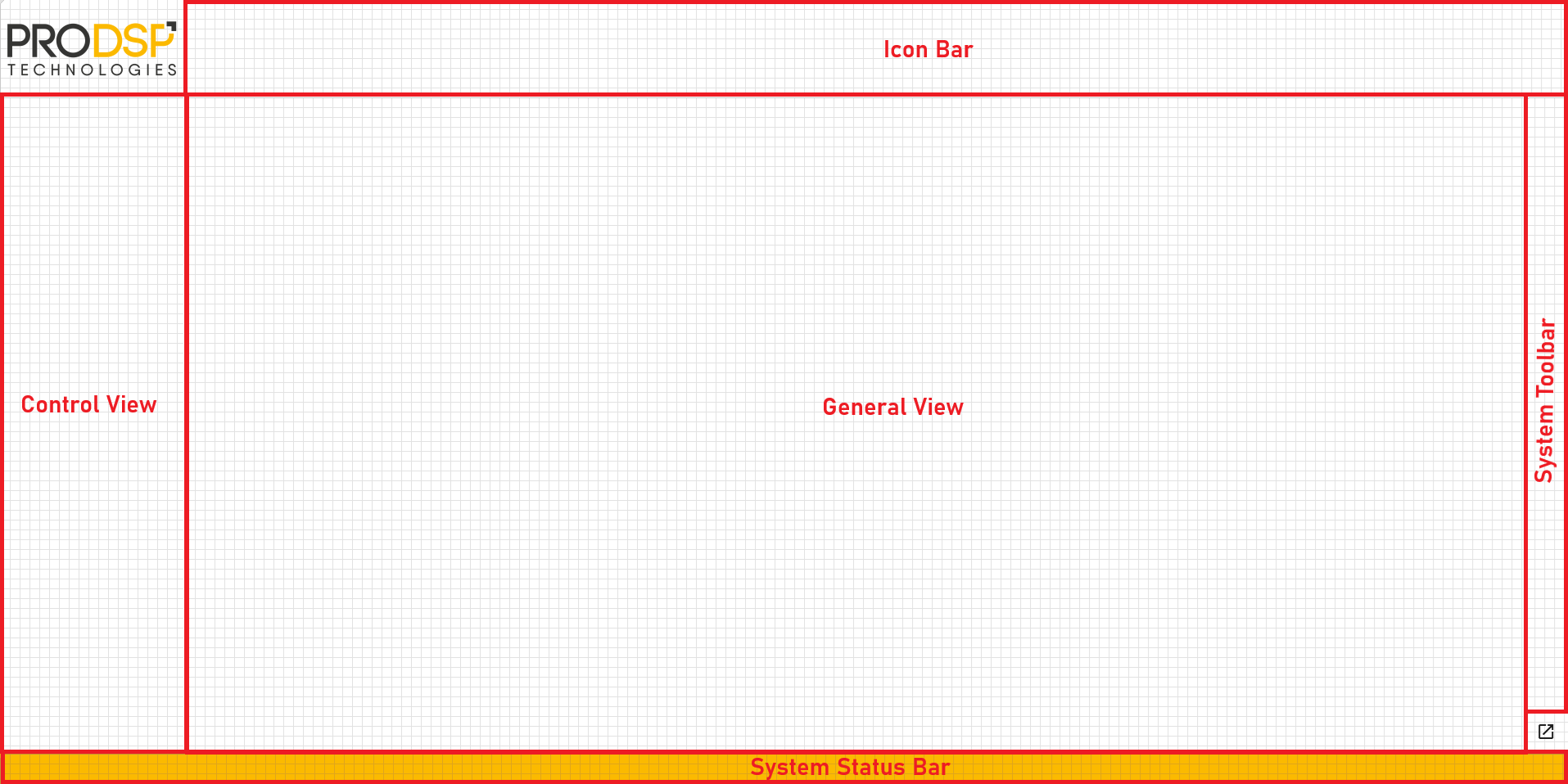
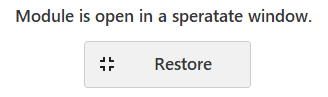
The System User Interface is a module derived from the User Interface class. Within the framework, it provides the framework for the user interface of applications. Its interface is divided into five subpanels, as shown in the figure above. In the Control View subpanel, we develop modules that switch between the application’s interfaces or implement control of a specific function. In the Icon Bar section, we develop functions that we want to make permanently available on the interface and that implement global control of the application. The General View area can be used to load individual functions of the application, such as the user interfaces of device management modules. The System Toolbar and System Status Bar sections load the system modules corresponding to their names. In the lower-right corner of the interface is a window icon; clicking it opens the currently active module in a separate window. At this point, a button appears on the subpanel that previously displayed the module. Clicking this button closes the previously activated windowed view.